
Systems | Development | Analytics | API | Testing

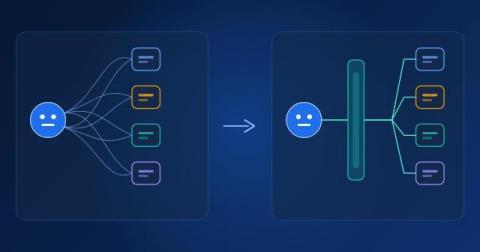
MCP vs. API: What's the Difference and When to Use Each

An API is a defined way for one piece of software to request data or actions from another. The Model Context Protocol (MCP) is an open standard that gives AI agents a consistent way to discover and use tools and data sources, so they don't need a custom integration for each one. The short version: MCP doesn't replace APIs. Most MCP servers call APIs behind the scenes. What MCP changes is who the interface is designed for. APIs are designed for developers who read documentation and write code.

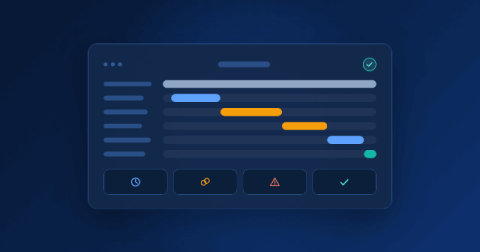
Agentic AI Security and Governance: Risks, Controls, and a Practical Checklist

Agentic AI security is the set of controls that keep AI agents from accessing, changing, or sharing more than they should. It covers who an agent acts for, which data and tools it can use, which actions need approval, and how its activity is recorded and reviewed. AI agents are moving from pilots into daily operations. They read invoices, update records, answer customers, and trigger workflows across business systems.

LLM and AI Agent Observability: What to Monitor, Evaluate, and Test

LLM observability is the practice of collecting and analyzing data about how a language model application or AI agent behaves, including prompts, responses, tool calls, cost, speed, and errors, so teams can find problems, measure quality, and improve results. AI agents can now plan tasks, call tools, and work across business systems. That makes them powerful, and it also means a single request can involve many steps that no one sees directly.

Accounts Payable Process: Steps, Exceptions & Controls

Many invoice problems don't start in accounts payable. They start earlier, when someone buys without a purchase order or a delivery goes unrecorded. AP is simply where those gaps become visible, usually as an invoice that can't be paid. That's why it helps to see the accounts payable process end to end. It's how a business receives, checks, approves, pays, and records the bills it owes suppliers, whether those steps run by hand or through accounts payable automation.

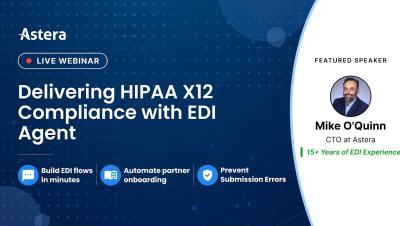
[Webinar] Delivering HIPAA X12 Compliance with EDI Agent

Fixing 834 enrollment files, rejected 837 claims, and HIPAA X12 validation errors can consume hours every week. Every new trading partner or requirement can mean more mapping, validation, testing, and troubleshooting for healthcare EDI teams. Astera EDIConnect helps take that work off your team. Teams can automate workflows that parse and validate HIPAA X12 transactions in a no-code, drag and drop interface. Its built-in EDI Agent helps teams create and adapt flows faster, without relying on custom code or specialized EDI resources.

Scanned PDF Processing in Astera ReportMiner

Watch Astera ReportMiner's Text Converter object automatically pick the right OCR engine for a creased fax, a skewed bill of lading, and a handwritten log, then turn each one into structured, exportable data. This demo walks through intelligent character recognition (ICR) in practice: a business receiving a mix of degraded scanned documents that would break a single fixed OCR engine.

Source to Target Data Mapping in Astera Centerprise

Watch an AI agent in Astera Centerprise map data from Dynamics CRM to Snowflake, field by field, with data transformation, in a no-code interface. This demo walks through a real data mapping scenario: a sales team's pipeline in Dynamics CRM (accounts, deal stage, close date, and deal amount in multiple currencies) needs to land in Snowflake every night for revenue and forecast dashboards. See how the agent reads both schemas, matches fields automatically, standardizes currency, and schedules the pipeline to run unattended.

PDF Data Extraction in Astera ReportMiner

This video shows how Astera ReportMiner extracts structured data from PDFs in two ways: a reusable template for consistent layouts, and an AI-driven pipeline for documents that vary. Working from a mix of PDFs, digital and scanned, that vary in layout and quality, you can build a custom extraction logic in ReportMiner: Whether a PDF arrives with a known layout or a new one, it runs through the same pipeline into the same output, with fewer manual exceptions and less setup.

AI Document Processing in Astera ReportMiner

This video shows how Astera ReportMiner extracts data from documents that don't share a common layout, with no template to design and no fields to mark. Traditional pattern matching depends on documents landing in the same shape every time. Invoices from hundreds of different suppliers don't, and this demo uses that as the test case: mixed layouts, multiple languages, multi-page files, and scans. The walkthrough covers.

Build Invoice Automation Workflow with AI Agents | Astera ReportMiner

See how Astera ReportMiner uses AI Agents to build invoice automation workflows without the time consuming manual configuration. Upload your invoice requirements, and the Agent builds the workflow for extraction, transformation, validation, and delivery to your preferred destination. It shows each step as it works, so your team can review and verify the process before deployment. Once approved, the workflow can be scheduled to run unattended.