Systems | Development | Analytics | API | Testing

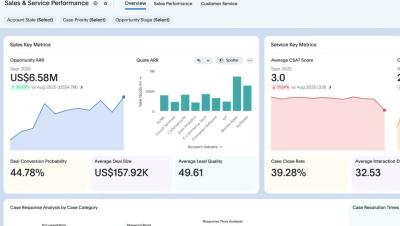
How to Install and Use the Simba Trino Connector for Power BI

Looking to simplify your data integration workflow? The Simba Trino Connector for Power BI makes it effortless to connect Trino data to your preferred BI tool, enabling real-time insights and seamless plug-and-play functionality. Install and configure with ease Simplify data integration workflows Analyze Trino data quickly and efficiently Whether you’re a data analyst, IT professional, or engineer, this connector empowers you to unlock insights from your Trino data efficiently and securely.

What's New in insightsoftware's Angles for SAP 25.2

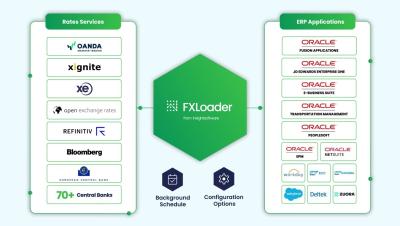
Discover how the latest release of Angles for SAP R2 introduces powerful User Currency support, making your financial reporting more flexible, transparent, and user-centric. Whether you're analyzing sales, costs, or stock values—view it all in the currency that matters most to you. This update is especially valuable for teams transitioning from R1 to R2.

Embedded Analytics ROI: Quantified. Visualized. Justified.

Most companies wait for perfect data before investing, but by then, it’s too late. In this video, you'll discover how to model real, measurable gains from embedded analytics, whether it’s saving time, reducing churn, or boosting engagement. Learn how small efficiency improvements compound into big results and why early investment in analytics helps teams build stronger, more resilient products. See how to quantify value, justify spend, and move faster with confidence.

Week 1 Masterclass Preview: From Data Chaos to Connected Clarity

Welcome to Week 1 of our Financial Planning Masterclass series. If disconnected systems and messy spreadsheets are slowing you down, you’re not alone. This series will show you how to move from data chaos to connected clarity and take control of your financial planning process.