Systems | Development | Analytics | API | Testing

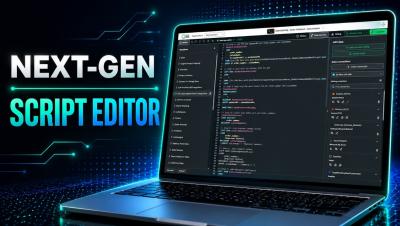
Qlik Script Editor Gets a Major Upgrade

Qlik Cloud just introduced a modern, IDE-grade editing experience for the Data Load Editor and Script Editor — now available in Public Preview. In this video, Michael Tarallo walks through what's new, including dark mode, improved syntax highlighting, code folding, smarter navigation, autocomplete, and code refactoring with Rename Symbol. Learn how to activate the Next-Gen Script Editor in your tenant and see how these updates make everyday Qlik scripting faster and more intuitive.
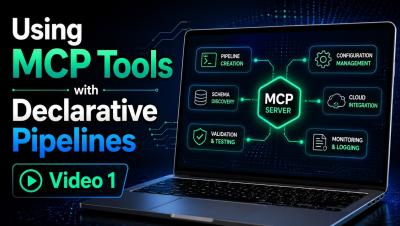
Using MCP Tools for Declarative Pipelines - Video 1

This is Part 1 of a two-part video series exploring how Qlik MCP tools can be used with declarative pipelines directly within VS Code. In this video, I demonstrate how to use the MCP tools to explore and validate your Qlik environment before building anything—identifying available connections, inspecting source tables, reviewing pipeline project information, and verifying the resources you plan to use.

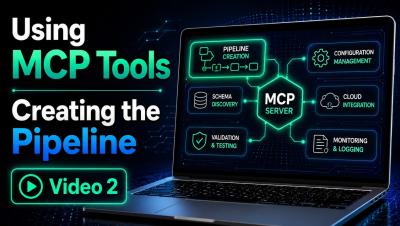
Using MCP Tools for Declarative Pipelines - Creating the Data Pipeline - Video 2

This is Part 2 of a two-part video series exploring how Qlik MCP tools can be used with declarative pipelines directly within VS Code. In this video, Mike Tarallo, demonstrates how to now create the data pipeline using declarative YAML in VS Code. You will see the creation process, learn some tips and tricks and see the final result.

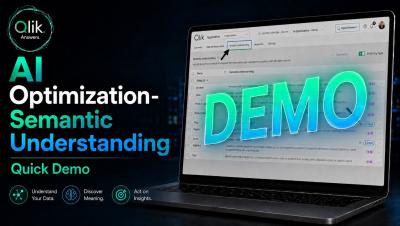
AI Optimization - Semantic Understanding - Quick Demo

AI Optimization is a workspace for managing how Qlik Answers understands an application. It brings semantic management into one experience, where you can review AI-generated semantic understanding and make corrections before they reach an answer. The result is a visible, correctable layer where there used to be none. AI Optimization is the central place to manage how Qlik Answers interprets your application. Semantic Understanding, inside it, shows and lets you edit this interpretation of each field and master item.

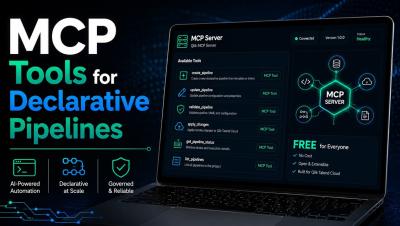
New MCP tools for Declarative Pipelines

Qlik's MCP server just got three new lookup tools built for data engineering. They connect directly to your Qlik Cloud tenant, so coding agents can pull the real project values a pipeline needs instead of working from an empty template, find spaces and data connections by name, and browse the tables and views available on a connection, just by asking in natural language. That means easier declarative pipeline creation, with real tenant context built right into your prompt for faster, more accurate iteration.

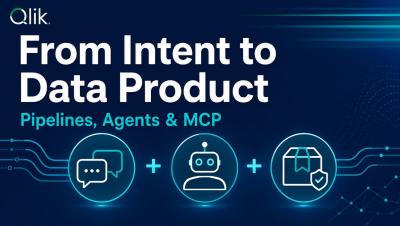
From Intent to Data Product: Pipelines, Agents & MCP

The challenge for most data teams isn’t a lack of ideas—it’s the time it takes to turn those ideas into something usable. In this session, Steffen Bischoff, Chief Architect Data at Qlik, follows a single dataset from a core system through its entire journey to becoming a governed data product. You’ll see pipelines created by describing intent instead of writing code, versioned in Git, then curated, quality-checked, and documented with the help of specialized agents. From there, the data product is made available to the AI tool of your choice through the Qlik MCP Server.

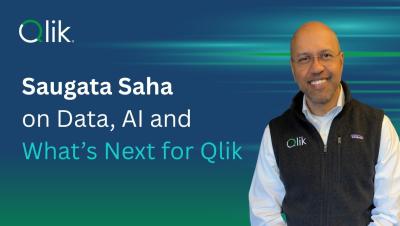
Saugata Saha on Data, AI, and What's Next for Qlik

Qlik CEO Saugata Saha sits down with Jessica DuBois, Senior Director of Global Tech Partners, for his first external conversation since joining the company. Saugata discusses what drew him to Qlik, the opportunity he sees at the intersection of data and AI, and why bringing increasingly capable AI together with trusted, governed data remains one of the most important challenges facing organizations today.

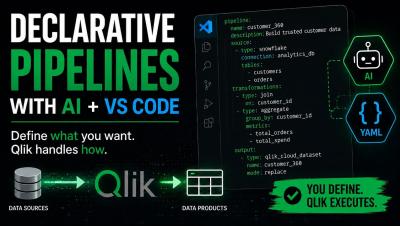
Qlik Declarative Pipelines with AI and VS Code

Managing your data pipelines shouldn't mean leaving the tools you already work in. In this video, Qlik Solution Architect, Joe Easley, shows how Qlik's declarative pipelines let you build and manage your integration ecosystem right alongside your own LLM and IDE — no switching platforms, no extra UI to learn. The benefit: faster iteration, fewer handoffs, and pipelines that live where your code already does.