Systems | Development | Analytics | API | Testing

SaaS in 60 - Chart-level Scripting

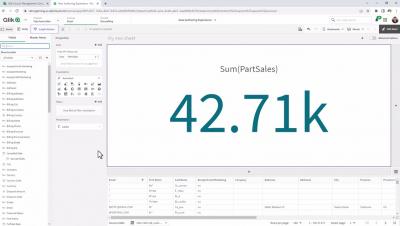
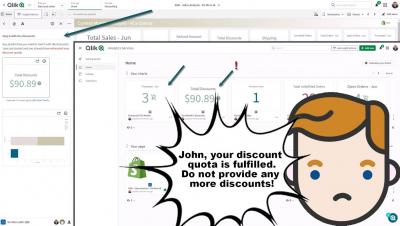
This week we introduce a powerful new capability that allows you to provide and manipulate data directly within a chart object using script. Chart Level Scripting allows users to modify the data set behind a chart using a subset of the Qlik scripting language, using techniques such as variables and loops. Rows and columns can be added or modified that were not in the original data set enabling calculations that have previously not been possible in chart expressions or with variables. Simply enable the app for chart scripts, under measures add your script under the script section – and along with the appropriate dimensions– you will see your charts reflect the data provided by the script which also can be changed in real-time with the use of variables and expressions. Offering a new way to analyze your data such as simulations and goal seeking.

Systems development lifecycle (SDLC) with the Qlik Active Intelligence Platform - Part 2

In this video we will show how we can build context-aware applications so, your applications will know not just whether they are in Development, Test or production, but also whether they are a Sales, Finance or HR app. We will do this using built-in functionality of Qlik Cloud. We will also look at using these techniques to manage external script libraries so we can ensure we use the correct version of libraries based on where our apps reside.

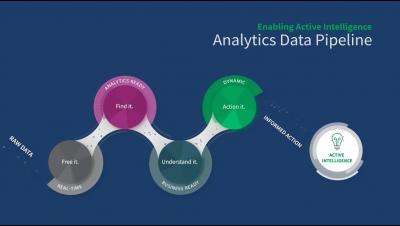
Modernizing the Analytics Data Pipeline

Enterprises run on a steady flow of best-fit data analytics. Robust processes ensure these assets are always accurate, relevant, and fit for purpose. Increasingly, organizations are implementing these processes within structured development and operationalization “pipelines.” Typically, analytics data pipelines include data engineering functions such as extract-transform-load (ETL) and data science processes such as machine-learning model development.