API Security and FHIR Recommendations
Joining us is Alissa Knight, partner at Knight Ink Media, CISO, cybersecurity expert, cinematographer and accomplished content creator for telling brand stories at scale.


Joining us is Alissa Knight, partner at Knight Ink Media, CISO, cybersecurity expert, cinematographer and accomplished content creator for telling brand stories at scale.
Let’s face it: In today’s modern world of cloud and containers, there are still thousands of legacy applications that were not written with an API-first approach. Some legacy systems can still provide tremendous value today, but the means for accessing them are completely out of date, thus rendering them almost useless.
The RESTful web API has long been the industry standard, but in recent years, APIs based on the GraphQL Schema Definition Language has grown in popularity. This post will go over the advantages and disadvantages of each, as well as when GraphQL makes sense for your application.
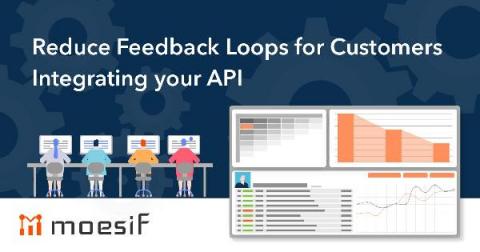
We can all remember a time when we had a negative experience with a platform service. Perhaps we ran into a set of reoccurring errors or the platform was unreliable and continually crashed. The classical example of this might be the early days of Apple Maps. In any case, the common thread of these experiences is the feeling of frustration from valuable time lost, resulting in a tarnished relationship with the product. Thankfully, in the world of APIs, customer-facing teams have taken note.
While monitoring is an important part of any robust application deployment, it can also seem overwhelming to get a full application performance monitoring (APM) stack deployed. In this post, we’ll see how operating a Kubernetes environment using the open-source Kong Ingress Controller can simplify this seemingly daunting task! You’ll learn how to use Prometheus and Grafana on Kubernetes Ingress to simplify APM setup.