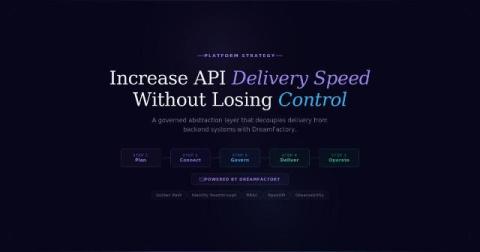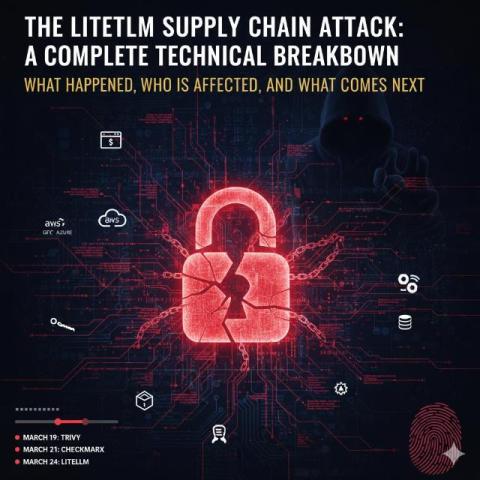
Combining MCP Servers and LLMs with MS SQL Server simplifies database management with natural language queries, automation, and robust security. Here’s what you need to know.
As AI agents move from prototype to production, organizations face a growing paradox: how to give these agents enough access to unlock business value—without compromising privacy, compliance, or control. This isn’t just an integration problem. As soon as you map API layers or ask how a generative agent might retrieve sensitive customer records, the challenge becomes one of governance, scale, and trust.
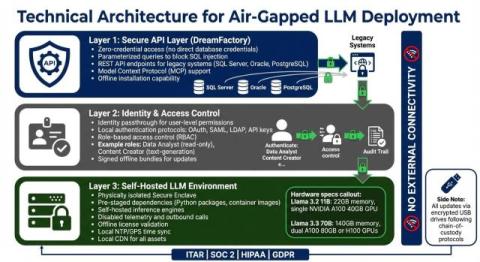
This guide explains how enterprises can replace cloud-hosted AI developer tools with secure, on-prem alternatives. It covers architectures, governance, and selection criteria that meet compliance and performance goals. You will learn how teams stand up private code assistants, model gateways, vector search, and policy controls behind the firewall.
For most businesses, the break-even point for self-hosting only makes sense if processing 100–200 million tokens daily. Otherwise, managed API solutions are more cost-effective, faster to deploy, and easier to maintain. Alternatives like DreamFactory offer pre-built, secure API layers, saving time and money while simplifying enterprise AI integration. Bottom line: Building your own LLM data layer is a major investment with hidden challenges.
Here’s what you need to know: Bottom Line: Treat LLMs as untrusted clients. Secure database access with strict governance, API controls, and robust monitoring to mitigate risks without sacrificing productivity.
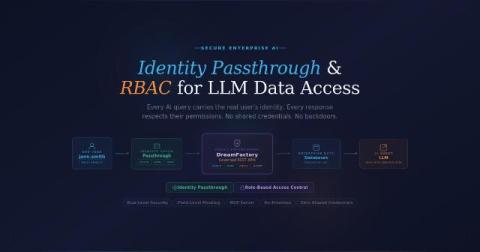
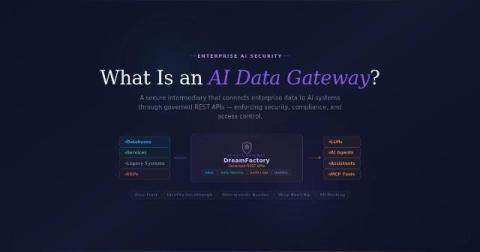
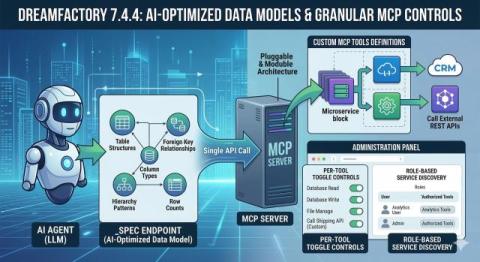
TL;DR: DreamFactory 7.4+ includes a built-in MCP (Model Context Protocol) server that lets you connect any LLM—ChatGPT, Claude, Perplexity, or custom AI agents—to your enterprise databases through governed, role-based APIs. Setup takes minutes: create an MCP service in the admin console, copy the OAuth credentials, and point your AI application to the generated endpoint.
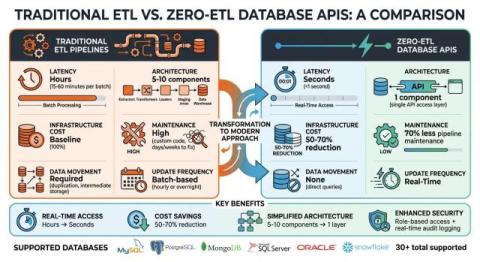
When it comes to integrating AI with structured data, traditional Retrieval-Augmented Generation (RAG) systems often fall short. They rely on indexing and embedding, which can lead to outdated information, security risks, and inefficiencies. Instead, an API-first approach offers a safer, more precise, and real-time solution for accessing structured enterprise data.
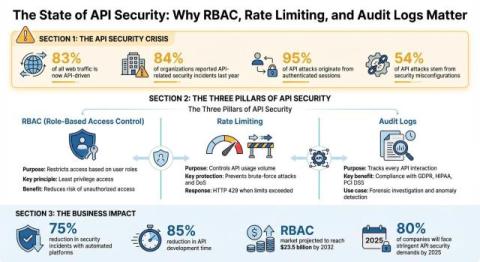
Large language models (LLMs) can transform how businesses interact with data, but connecting them directly to databases presents serious risks. Security concerns include credential exposure, SQL injection, and the "Confused Deputy" problem, where elevated AI privileges bypass user permissions. Since LLMs lack built-in authorization, securing access requires external measures. Here’s how to protect your databases when integrating LLMs.
A mid-sized enterprise had a straightforward but powerful idea: use their locally-hosted AI model to automatically generate summaries of employee performance review data stored in their SQL Server database. The workflow seemed simple enough: The reality? This "simple" integration touches on some of the thorniest problems in enterprise software: database security, API orchestration, authentication, timeout management, and reliable data transformation.
Your API documentation is just as important as your API itself. It defines how easy it is for users to learn, understand, and use your open-source or paid product. In this post, DreamFactory highlights eight of the best API documentation examples from well-known tools. These examples can serve as inspiration for creating effective, developer-friendly API documentation. Strong documentation plays a major role in making APIs usable, discoverable, and easy to adopt—especially across teams and systems.