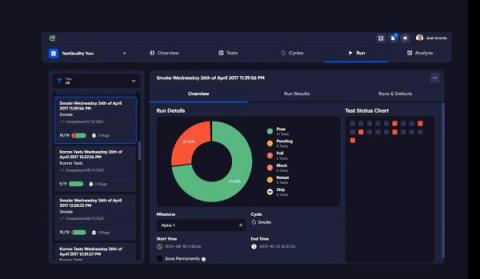
There are important advantages of using Test Management Tools for an effetive product release, for locating and managing critical defects and for allowing you to focus on developing better software and a more efficient development process. Having a platform to handle all rounds of testing is crucial, especially as more software developers use cycle methodologies like Test-Driven Development.
However, the flexibility of exploratory testing comes with the risk of ad hoc, random outcomes with no structure or consistency between testers, test managers, and projects. While testers should not be limited in their exploratory testing efforts, having a disciplined approach is a fantastic tool for gathering feedback, detecting errors, and enhancing UX.
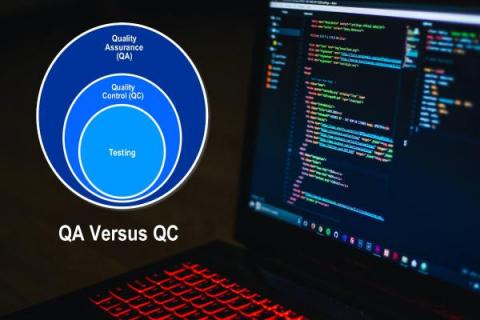
Quality Assurance (QA) is a typical process for ensuring that the end product of any Software Development Lifecycle (SDLC) corresponds to the overall and scope-agreed-upon objectives. Historically, quality assurance (QA) testing has been introduced rather late in the software development cycle. In a Waterfall process, for example, the software is created and then sent along to the QA team, which provides input and then sends the program back to the development team to be fixed.
The goal of DevOps is to streamline and automate your whole software delivery lifecycle. A successful DevOps testing plan for most businesses begins with implementing the agile best practice of Continuous Integration (CI), in which developers check code into a common repository numerous times per day. DevOps test engineers are team members that are in charge of testing in a DevOps setting.
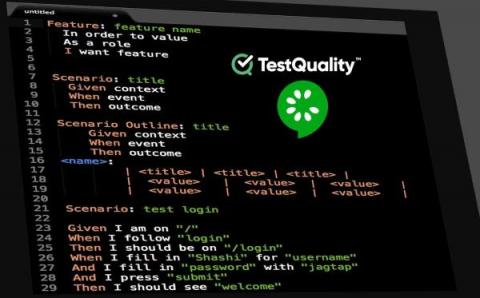
Test Automation is a software testing approach that uses automation technologies to control test execution rather than a human tester. The actual test findings are then compared to projected or expected outcomes. Automated testing improves productivity and reduces time-to-market for your initiatives.
Developers and Testers use exception handling framework to handle an exception in selenium scripts. The below diagram depicts the different types of Exceptions that we commonly face while working with Selenium WebDriver: Before understanding the different types of Exceptions which we may face while working with Selenium WebDriver, first I will explain the term Exception.
We all want our applications to run as smoothly as possible, but this isn't always the case. We need to know whether and when problems or exceptions are thrown after the application is up and running. As a result, there are several error tracking technologies available on the market.
Recently we had a chance to work with several software testing teams to help them get started with their test automation endeavors. The teams consist of mostly manual testers, and some who had experience with test automation before, but none of them were familiar with programming like developers. The applications are mostly web based, with companion mobile apps.