Systems | Development | Analytics | API | Testing

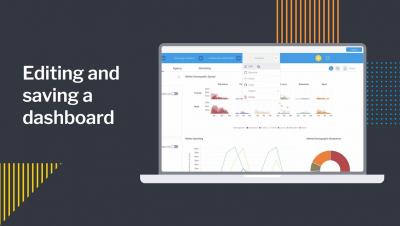
Editing and saving a dashboard

In this video you will learn how to edit one of your existing Yellowfin dashboards — such as adding a new report to a dashboard and then save those edits by publishing the dashboard. You will also learn how to edit/change the title of the dashboard, select/change the folders where the dashboard will be saved, and how to add tags to your dashboard. You will also learn how to edit/change the Dashboard Access to either Public or Private.

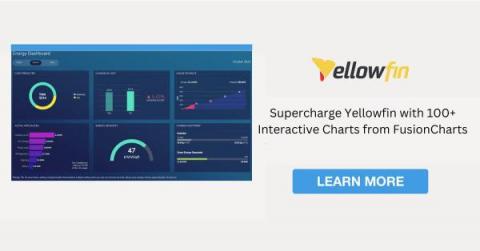
The Ultimate Guide to Choosing the Best JavaScript Charting Library

Charting libraries are in great demand, and their creation and use are becoming increasingly popular in languages such as JavaScript. As evidence, several JavaScript charting libraries are available, both commercial and open-source, with a wide range of functionalities to meet the demands of users. But how can a developer make an informed decision and choose the best JavaScript charting library? It's a difficult question, but we're here to assist!

How to add multiple charts to a report

In this video you will learn how to add multiple charts, or visualizations, to a single data table as you build a report. You'll learn about using the Auto Chart feature, as well as manually selecting your own chart types. In addition to adding charts, you will learn how to add text, graphics, and images to your report. Once you are finished adding charts and other visual elements, you will learn how to properly save your multi-chart report.

Yellowfin 9.8 Release Highlights

Introduced in 9.7 as the simplest way to ask questions of your data, Yellowfin 9.8 delivers exciting updates to Guided NLQ, and additional improvements to our report builder. The latest release makes Guided NLQ even more powerful and simpler to use, with new question types (Cross-tab), more intuitive questions with field synonyms and default date periods, and protection against long-running queries - in addition to faster report building.

7 Most Common Dashboard Design Mistakes to Avoid

Dashboards are an important data analytics tool for understanding business metrics and managing your business performance. However, if your dashboard is not designed well, it can be difficult to use for analysis, and ineffective for decision-making. Dashboard design should be simple and accessible, and reflect your company's branding and identity. Ensuring your analytical dashboard is readable, usable and accurate is heavily reliant on following best practice dashboard design.