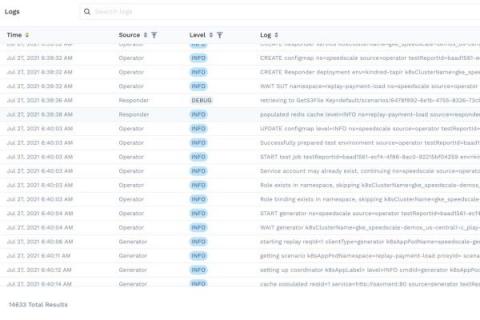
When we speak to our customers, they tell us that Bugfender is great for capturing application logs and then pinpointing the logs of a specific user. By pulling all the logs from a developer’s mobile and web apps and centralizing them in a single dashboard, Bugfender gives that developer a 360-degree sweep of their entire user base. But what if you want to use this data somewhere else? What if you could provide this data within an Elasticsearch database?
PHP has been one of the top (if not best) server-side scripting languages in the world for decades. However, let’s be honest – error logging in PHP is not the most straightforward or intuitive. It involves tweaking a few configuration options plus some playing around to get used to.
On the 14th of January 2021, Elasticsearch B.V. announced that future releases of Elasticsearch and Kibana would be released under a dual license SSPL (Server Side Public License). As a result of this change it is evident that the components that make up Elasticsearch and Kibana in version 7.11 (and onwards) of the ELK Stack will no longer be considered as open source based upon the Open Source Initiative's requirements for licensing.
We’re going to investigate the basic strategies to debug an application created with Unity, from logs to breakpoints, during the development stage. Once an app is in production we can switch to using Bugfender, and we’ll explain this too. To illustrate this tutorial we have created a custom app called The Bugfender Game, a variation of the popular Flappy Bird. Unity is a cross-platform game engine that gives users the ability to create games and experiences in 2D, 3D, VR and AR.